Skip to content

Photo release

Record a clear yes, next to a name

You write the permission. The form stores who agreed, how to reach them, and the use they accepted.

  • Name
  • Email
  • I agree to this use
  • Shoot or event
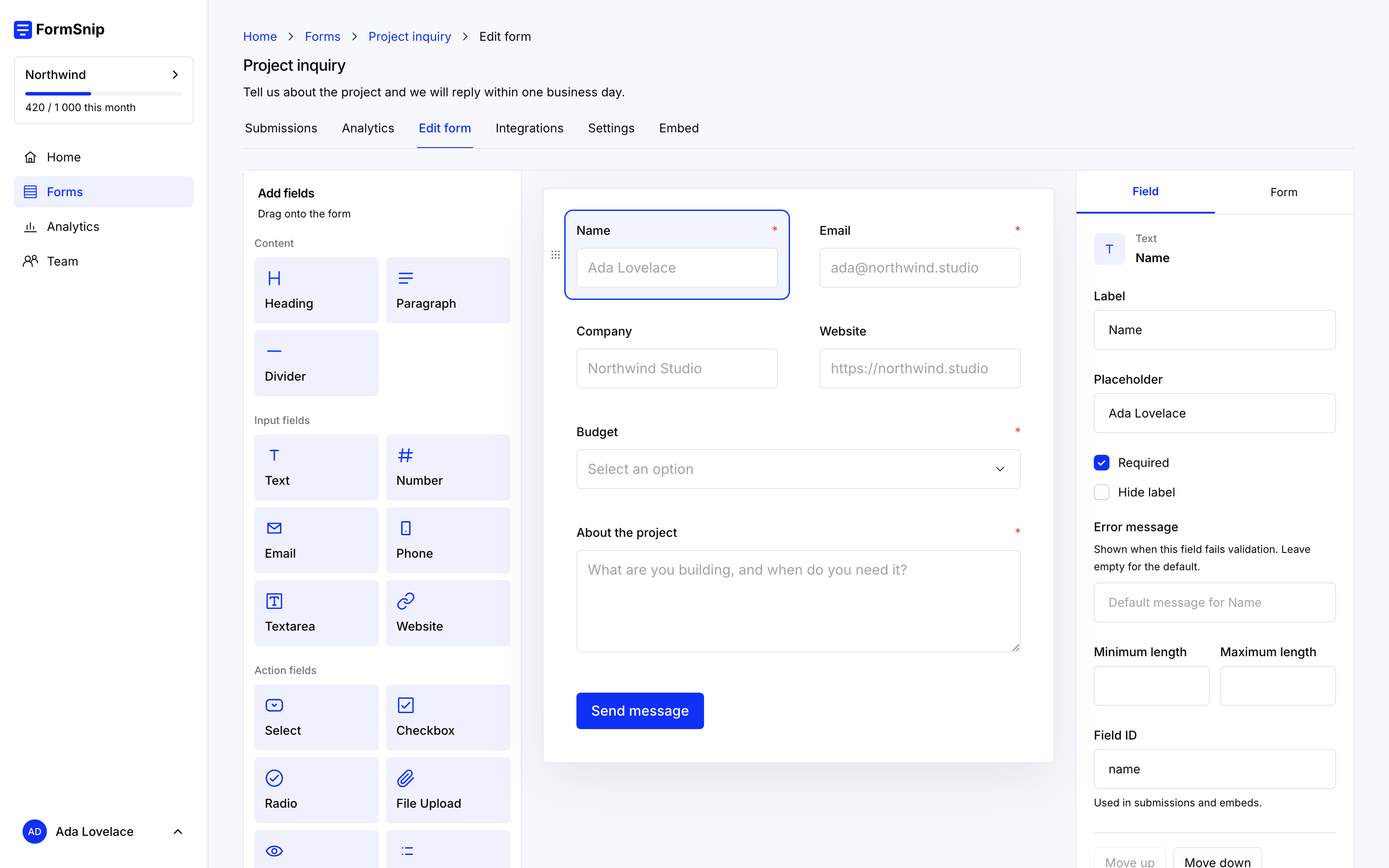
The Formsnip editor, where you build this form

What this form needs to do

01

The words are yours

A photo release is the sentence that says what you may do with the pictures. Write that sentence above the questions, in your own words, reviewed by whoever handles this for you. Formsnip stores the answer. It does not supply legal language, and a yes-or-no field is not a drawn signature.

The useful fields are name, email, the shoot or event, and a required choice: they agree, or they do not. Add a file upload if they need to attach something. Add a date if the day of the shoot belongs in the record.

02

The submission is the record

Each response is stored with the time it was sent. Email a copy to the producer. Export CSV when a client asks who was released. Search the inbox by name when someone writes back later.

If you need a signature pad or a countersigned PDF, this form is the wrong last step. It is the right way to collect the permission and the contact details on your site.

03

Keep the notice and the answer together

The choice sits under the paragraph that explains the use, on a page you control. Style the form so it belongs there, and lock submissions to your domain.

Start your free trial

14 days on the full product. No credit card. Create a beautiful form today.